Development Tools
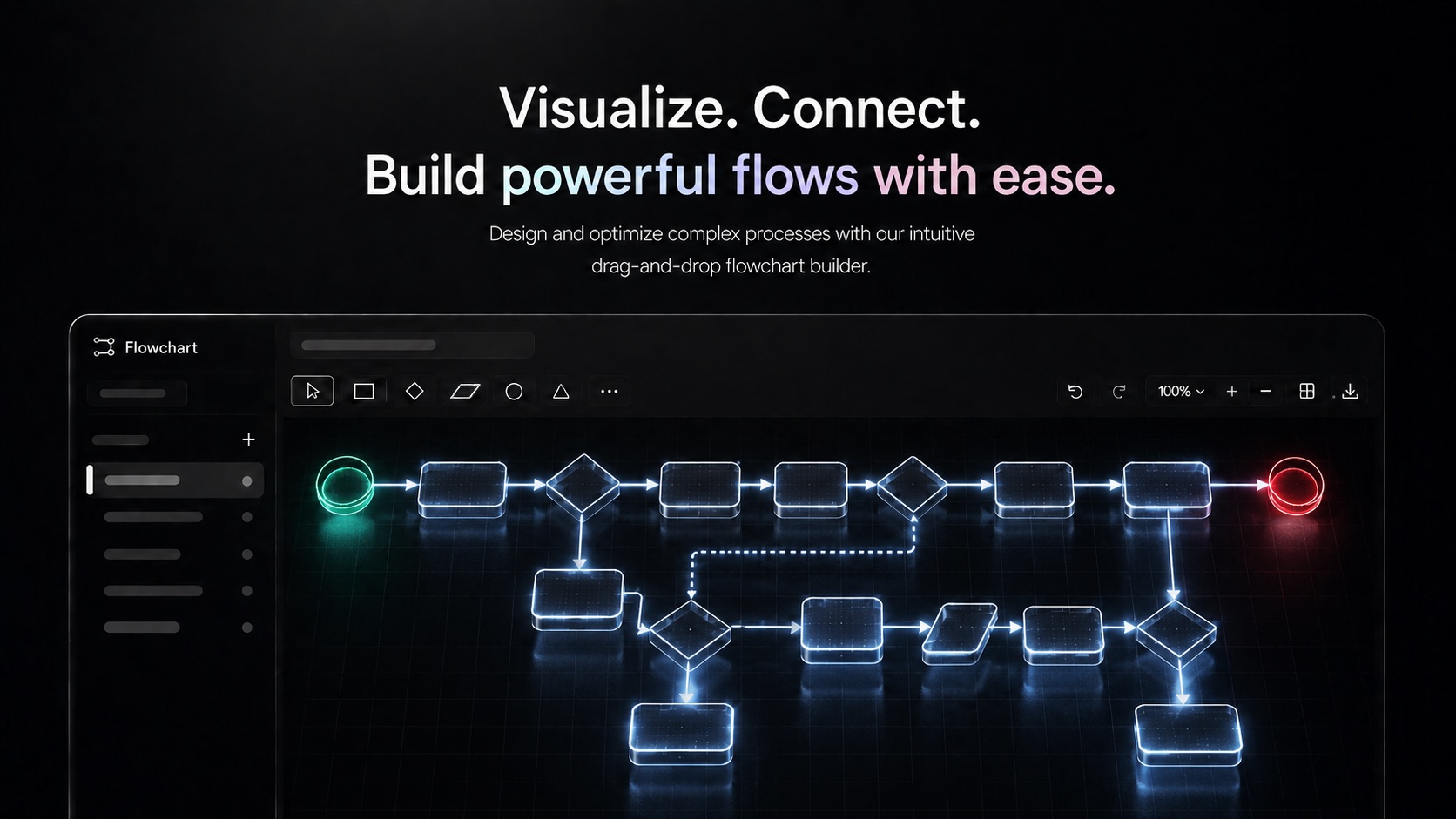
Design flowcharts, process diagrams, and system architectures with an intuitive visual editor. Perfect for planning, documentation, and team communication.
Complex ideas, processes, and systems are easier to understand as visuals than as written descriptions — and Lodos Flowchart Studio gives teams a full-featured diagramming tool built directly into their workspace. Design flowcharts for business processes, system architecture diagrams for engineering teams, user journey maps for product work, or organizational charts for planning. The drag-and-drop editor supports multiple node types, connector styles, and layout orientations to match whatever you're mapping.
Flowchart Studio's auto-save keeps your work safe as you build, and the project organization structure lets teams maintain a library of diagrams organized by project or team. Real-time collaboration means multiple teammates can work on the same diagram simultaneously — useful for architecture review sessions, process design workshops, or sprint planning where visual thinking happens as a group. Exporting and sharing diagrams makes it easy to include them in documentation or client presentations.
Because Flowchart Studio is part of Lodos, diagrams connect naturally to the work they represent. An architecture diagram can sit alongside the API Tester collections that implement it. A process flowchart can link directly to the Task Management board tracking its execution. A user journey map can reference the Social Hive channel where the design is being discussed. Flowchart Studio eliminates the disconnect between how work is planned visually and how it is tracked and executed.
Features
Everything Flowchart Studio brings to your workspace.
Start using Flowchart Studio today — it's included in every Lodos plan.
Part of the Lodos ecosystem — explore all 20+ modules