Development Tools
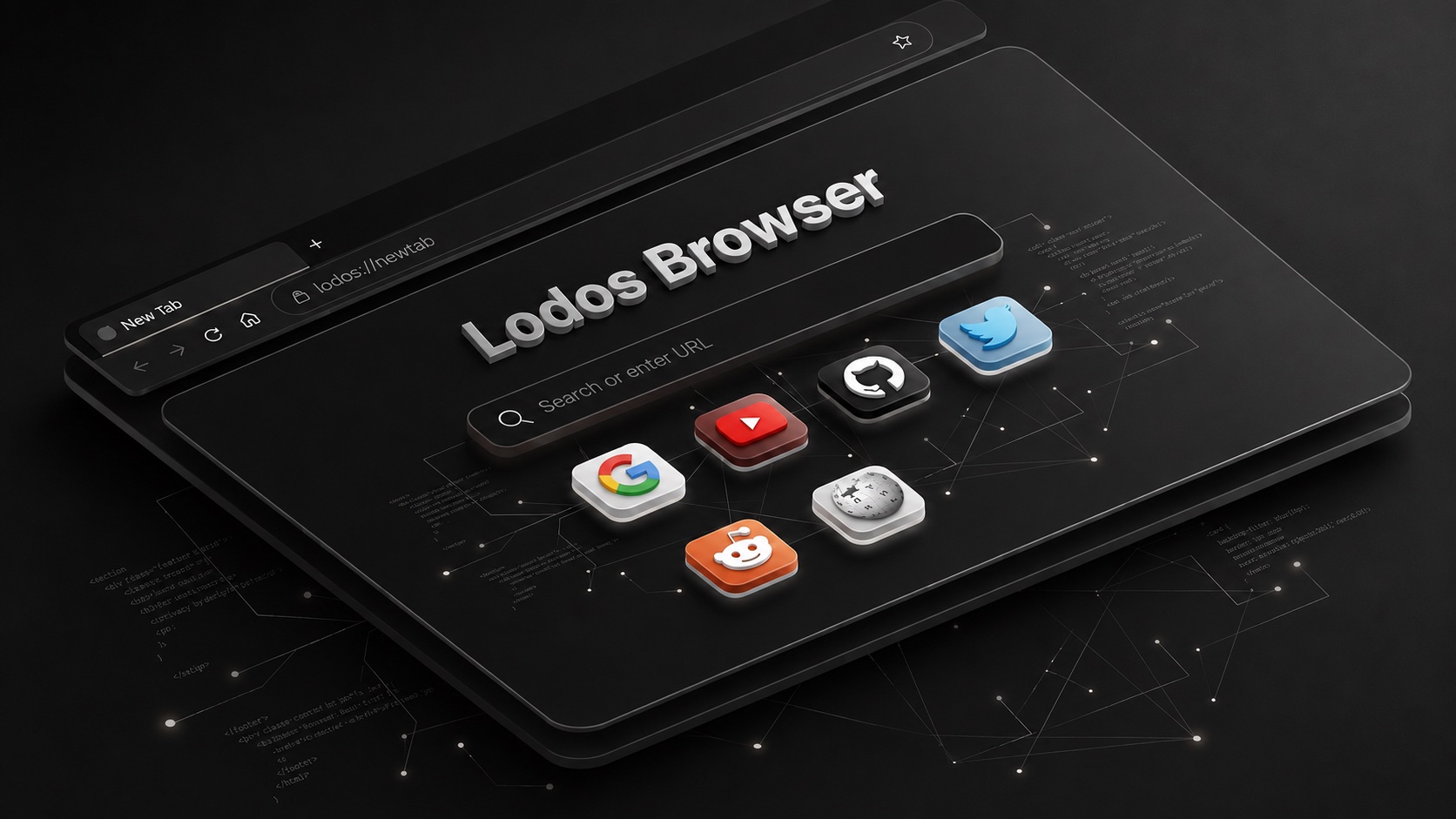
Browse the web without leaving your workspace. An integrated browser that connects with other Lodos modules for seamless workflow.
Context switching between your workspace and a browser is a hidden productivity drain — every time you leave your tools to check a URL, research a question, or test a live endpoint, you lose the thread of what you were working on. Lodos Browser brings a full web browsing experience directly into your workspace. Open URLs, navigate sites, manage bookmarks and browsing history, and handle multiple tabs without ever leaving the Lodos environment.
The browser is designed for deep workflow integration rather than casual browsing. When you find a URL in the browser that you want to test as an API endpoint, push it to API Tester with one click. If you want to audit a page's SEO or performance, send it directly to Web Analyzer. Share a URL with a teammate through Social Hive without copying and pasting between apps. Deep link support means other Lodos modules can open URLs in the built-in browser automatically, keeping you in flow.
For developers and researchers who work heavily with web-based documentation, client sites, or online tools, Lodos Browser eliminates the constant task-switching that fragments deep work sessions. Developers debugging an API can have the live endpoint open in the browser alongside the API Tester response — without alt-tabbing. Analysts reviewing a published report can cross-reference it with their Data Analyst findings in split view. One workspace, one screen, no interruptions.
Features
Everything Lodos Browser brings to your workspace.
Start using Lodos Browser today — it's included in every Lodos plan.
Part of the Lodos ecosystem — explore all 20+ modules