Collaboration
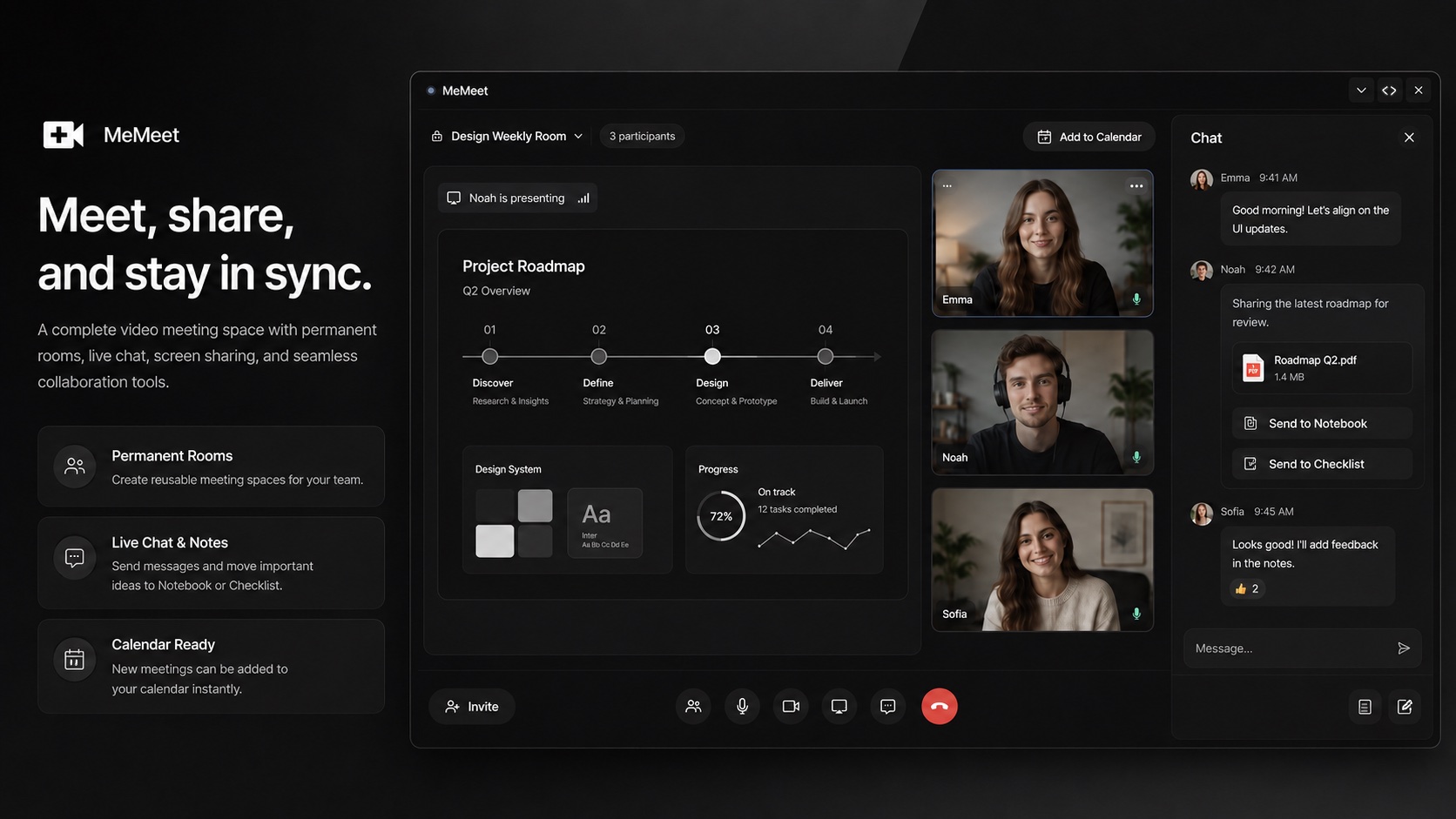
Host and join video meetings with crystal-clear quality. Screen sharing, collaborative notes, and integrated checklists make every meeting productive.
Video meetings are a daily constant for most teams — and MeMeet brings HD video conferencing directly into your Lodos workspace. Start or join a meeting with one click, share your screen, and collaborate with your team without switching to a separate video app. Crystal-clear video and audio quality make MeMeet suitable for everything from daily standups and internal workshops to client presentations and investor calls.
What sets MeMeet apart from standalone video conferencing tools is what happens during the call. Every MeMeet session includes a persistent collaborative notes panel that all participants can write to simultaneously. Decisions, action items, and key discussion points are captured in real time by the whole group — not just the designated note-taker. When an action item comes up, anyone in the meeting can add it as a task on the spot.
When the call ends, notes sync automatically to the Notebook module and action items appear on the Task Management board — no manual transfer, no lost follow-up. Schedule upcoming meetings directly in the shared Calendar with participant invitations and automatic meeting link generation. The full meeting lifecycle — scheduling, running, capturing, and acting on outcomes — lives in one workspace without switching between five different apps.
Switching from Zoom? See the full comparison: Lodos vs Zoom →
Features
Everything MeMeet brings to your workspace.
Start using MeMeet today — it's included in every Lodos plan.
Part of the Lodos ecosystem — explore all 20+ modules