Productivity
Create and manage your project workspaces. Organize teams, set permissions, and keep everything structured.
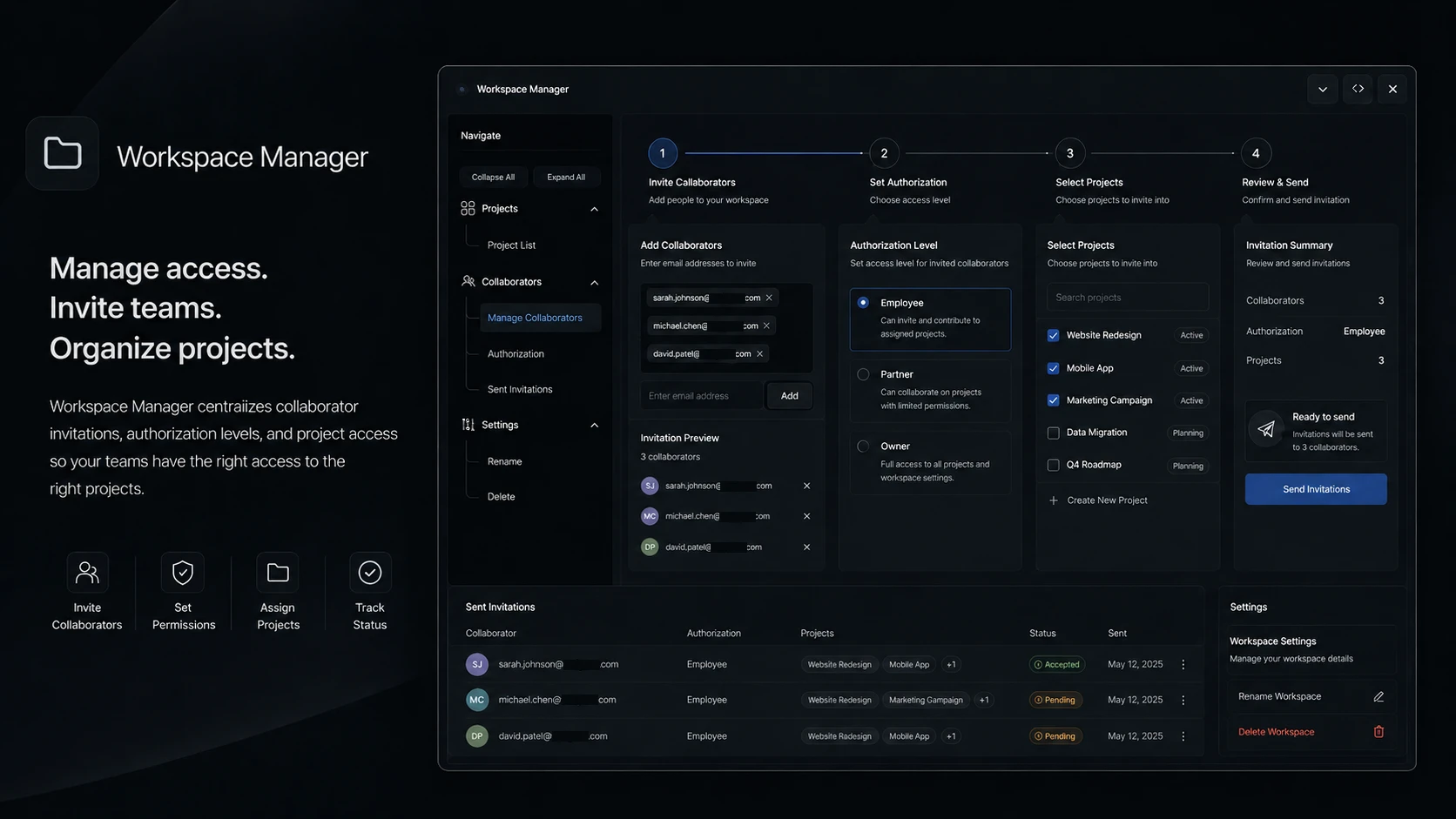
As teams grow and take on more projects simultaneously, the organizational layer becomes as important as the tools themselves. Lodos Workspace Manager is the command center for how projects are structured: create named project workspaces, assign team members with appropriate permission levels, rename or archive workspaces as projects conclude, and maintain a clean, navigable project landscape even as the organization scales. Every workspace is a bounded environment where the right people have the right access.
Authorization control within Workspace Manager determines not just who is in a workspace, but what they can do there. Invite external contributors with limited read access for review cycles. Grant project leads edit permissions while keeping stakeholders in view-only mode. Promote team members as projects grow and their responsibilities expand. The permission model is granular enough for complex team structures but simple enough that non-technical project managers can maintain it without IT involvement.
For growing organizations running multiple workspaces — product, marketing, operations, client A, client B — Workspace Manager provides the overview layer that keeps the organization legible. The project overview dashboard surfaces active workspaces, team composition, and activity state without drilling into each one individually. Archiving completed projects keeps the workspace list clean without losing the historical record. Workspace Manager is the foundation that makes all other Lodos modules work at organizational scale.
Features
Everything Workspace Manager brings to your workspace.
Start using Workspace Manager today — it's included in every Lodos plan.
Part of the Lodos ecosystem — explore all 20+ modules