Productivity
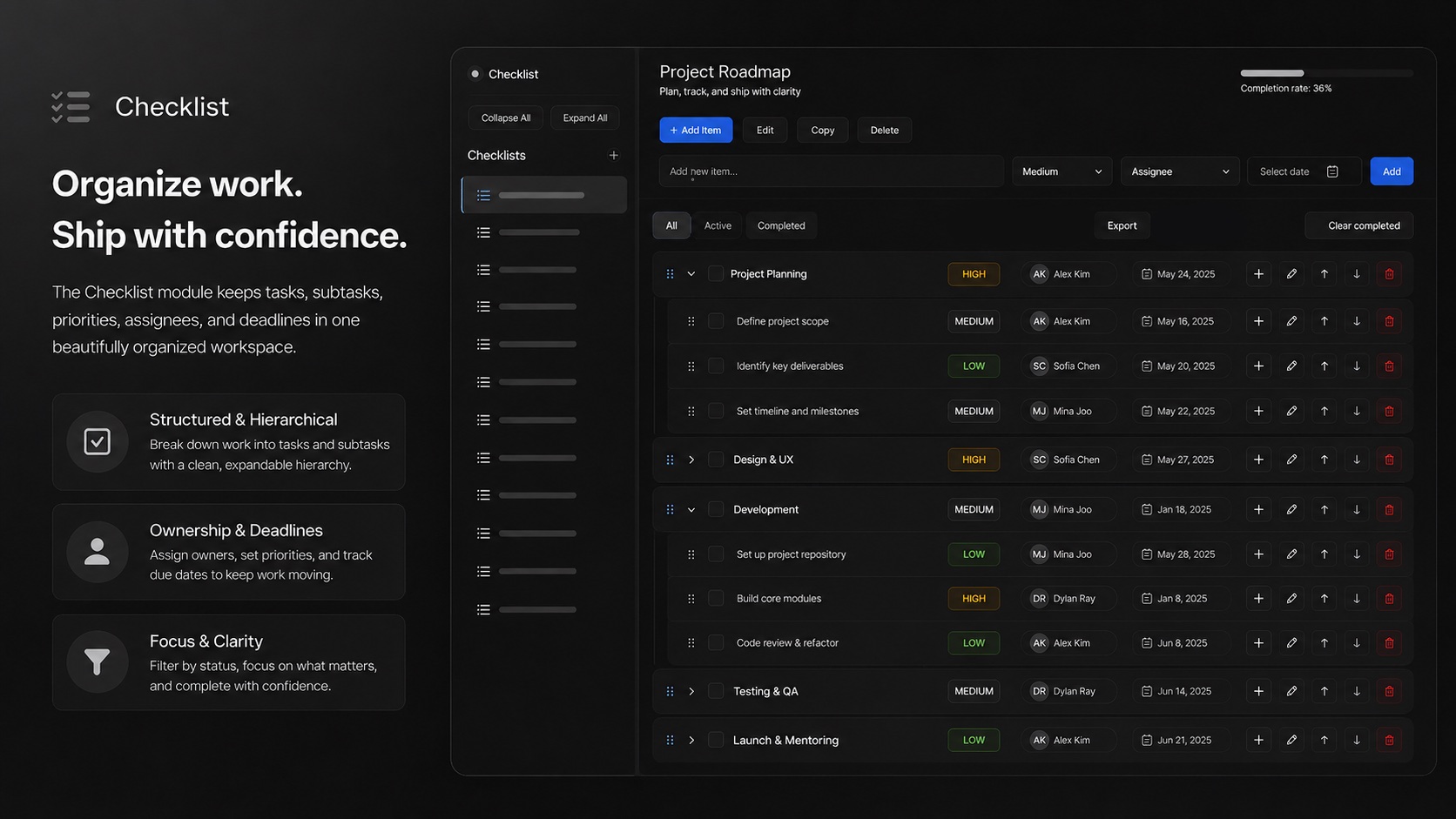
Create hierarchical checklists with priorities and due dates. Assign items to team members and track completion across your projects.
Some work is better tracked as a checklist than a Kanban board — structured sequences of steps that need to be completed in order, verified before moving on, and assigned to specific people. Lodos Checklist gives teams a hierarchical checklist tool designed for exactly this: create a list, nest sub-items under parent items, assign priority levels (low, medium, high), and set due dates on individual line items. The interface is keyboard-first, with shortcuts that let fast typists build checklists as quickly as they can think them.
Checklist shines for repeatable operational workflows: QA testing sequences that need to be run the same way every release, pre-launch checklists for marketing campaigns, onboarding sequences for new team members, or compliance verification runs. Each item can be assigned to a specific team member, ensuring accountability rather than ambiguity. The undo/redo functionality makes it safe to experiment with structure without fear of losing work.
Because Checklist is part of the Lodos workspace, checklists can be shared through Social Hive for team visibility, and completed items feed into the overall picture of project progress alongside Task Management boards. MeMeet meetings often generate natural checklist output — action items that need to be checked off before the next session. Checklist provides a lighter-weight alternative to full project boards for exactly this kind of structured, sequential work.
Features
Everything Checklist brings to your workspace.
Start using Checklist today — it's included in every Lodos plan.
Part of the Lodos ecosystem — explore all 20+ modules